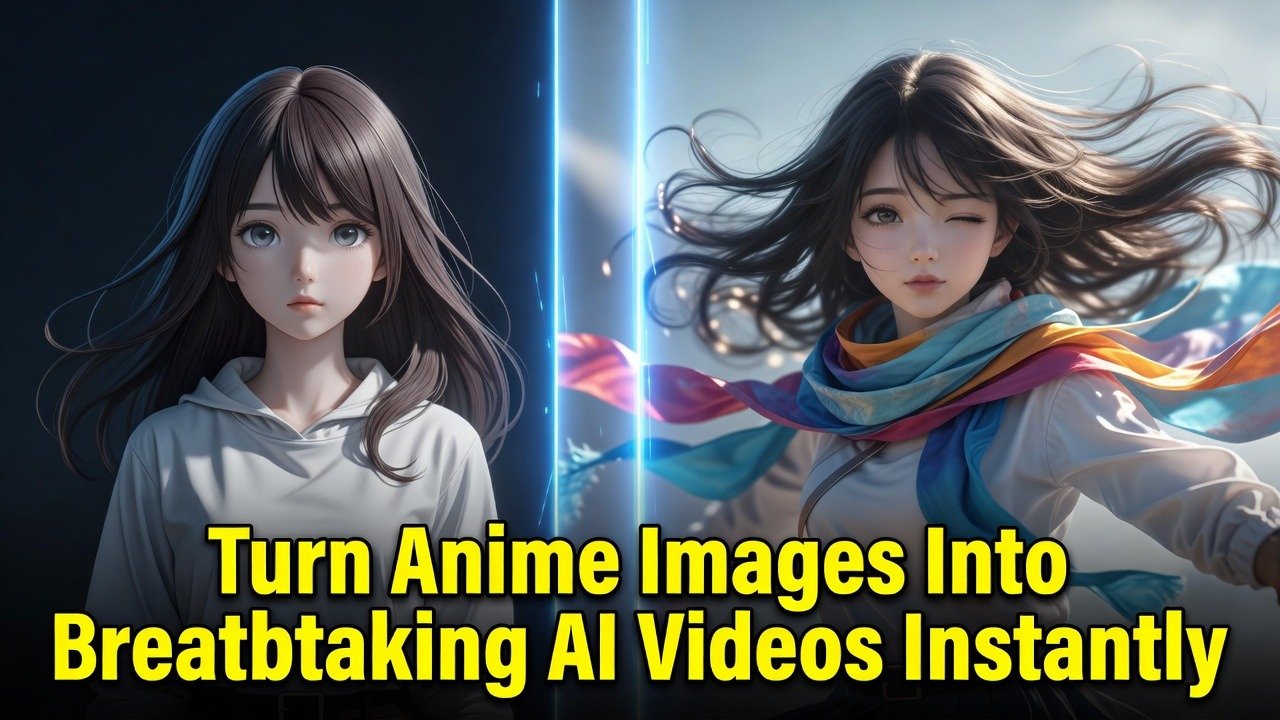
Turn Anime Images Into Breathtaking AI Videos Instantly
The Hidden Struggle With Static Anime Art
You stare at that perfect anime illustration and feel the story trapped inside it. Every line looks alive yet nothing moves. The eyes never blink. The wind never touches the hair. This silent frustration hits every anime fan who has tried to go beyond still images.
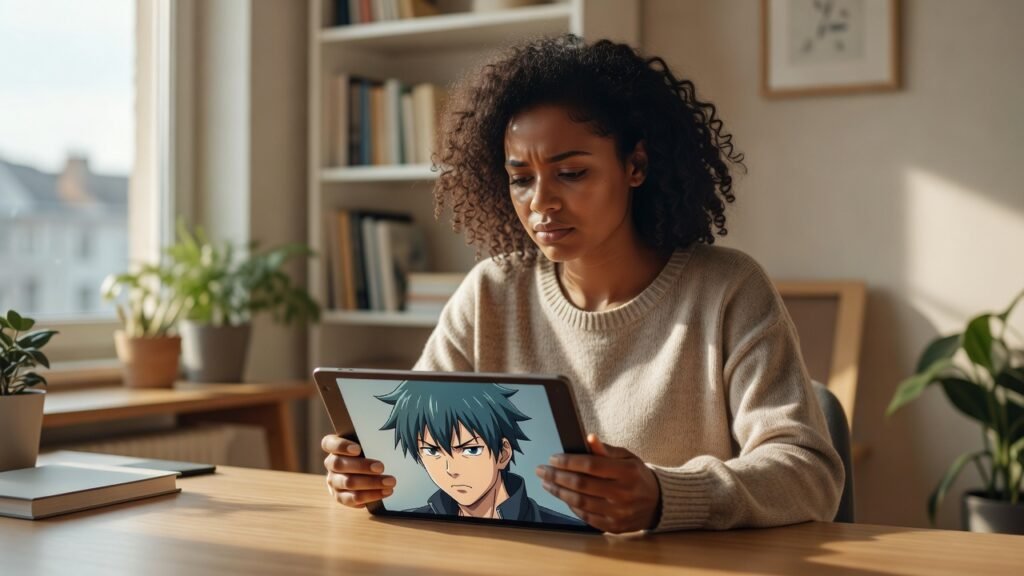
You keep searching for a way to add motion without hiring animators or learning complex software from scratch. The gap between the image you love and the video you crave feels impossible to close.
Why Static Anime Suddenly Feels Incomplete
Once you see even a few seconds of AI-generated movement, still images lose their magic. The same character that looked stunning yesterday now feels flat because you know it could walk, turn, or react. That realization changes how you view every new piece of fan art.
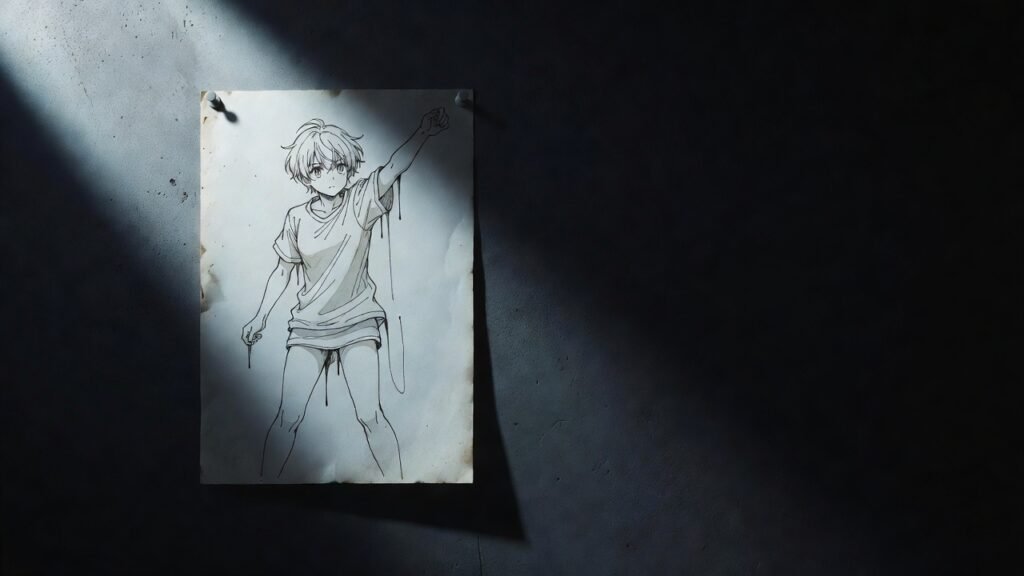
Creators on forums describe the exact moment they realized still frames were no longer enough. One user in r/Midjourney posted their favorite character and wrote that they could not stop imagining how the scarf would flutter in the breeze.
Another person in r/StableDiffusion shared how they spent hours tweaking prompts until the static pose finally felt wrong. The comments filled with similar stories of artists who switched to video after one test render.
The One Workflow That Makes Anime Move
The breakthrough comes from chaining image-to-video models with control networks inside ComfyUI. Start by loading your anime image into a model like Stable Video Diffusion. Add a ControlNet OpenPose or Depth pass to keep the character consistent frame after frame. Adjust the motion bucket and fps settings until the movement matches the scene you pictured.
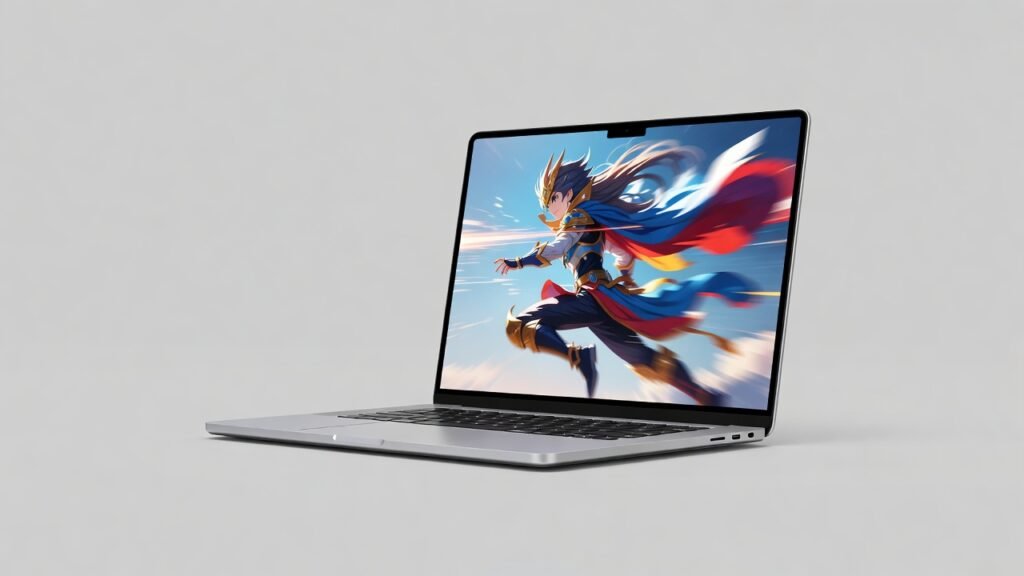
Many users report that adding a light IPAdapter face reference keeps the exact same face across the entire clip. This single extra node stops the common problem of the character morphing into someone else after the first second.
One Reddit user described their first successful run: the ponytail finally swung naturally and they watched the loop five times in a row. Another noted that lowering the denoising strength to 0.35 preserved fine line art details they had spent hours perfecting.
Real Creators Share Their First AI Anime Videos
Community threads are full of people posting their first attempts and the reactions they received. A poster in r/comfyui showed a 4-second clip of an anime girl turning her head and received dozens of requests for the exact workflow nodes. Someone else shared a short action scene and mentioned the motion looked better than their previous month of manual frame-by-frame work.
Users repeatedly mention that the biggest surprise was how little prompting was needed once the base image was strong. The model filled in natural secondary motion like clothing folds and subtle breathing without extra instructions.
One comment stood out because the creator said they finally felt like they could finish short stories instead of just collecting reference images. The transformation from collector to creator happened in a single afternoon.
Pro Tips That Prevent Blurry Anime Motion
Follow these steps to keep quality high from the first frame to the last:
- Start with subtle motion – blinking, breathing and moving hair usually look more natural than extreme movement.
- Describe both character and camera movement – tell the AI what should move and how the camera should behave.
- Keep prompts simple – too many competing actions can create unstable motion.
- Use a strong source image – clear faces and defined character details help maintain consistency.
- Generate multiple variations – small prompt changes can produce dramatically different results.
These small adjustments stop the most common complaints about jitter and melting edges that appear in early attempts.
Once you have the workflow running smoothly you can batch process entire character sheets and build short scenes in hours instead of days. The tools keep improving every month so the same workflow gets faster and more detailed with each new model release.
Ready to bring your anime images to life? Head over to comfyaicloud.com and start generating your first AI video right now. The characters you love are waiting to move.