
Best AI Landscape Prompts That Deliver Stunning Results
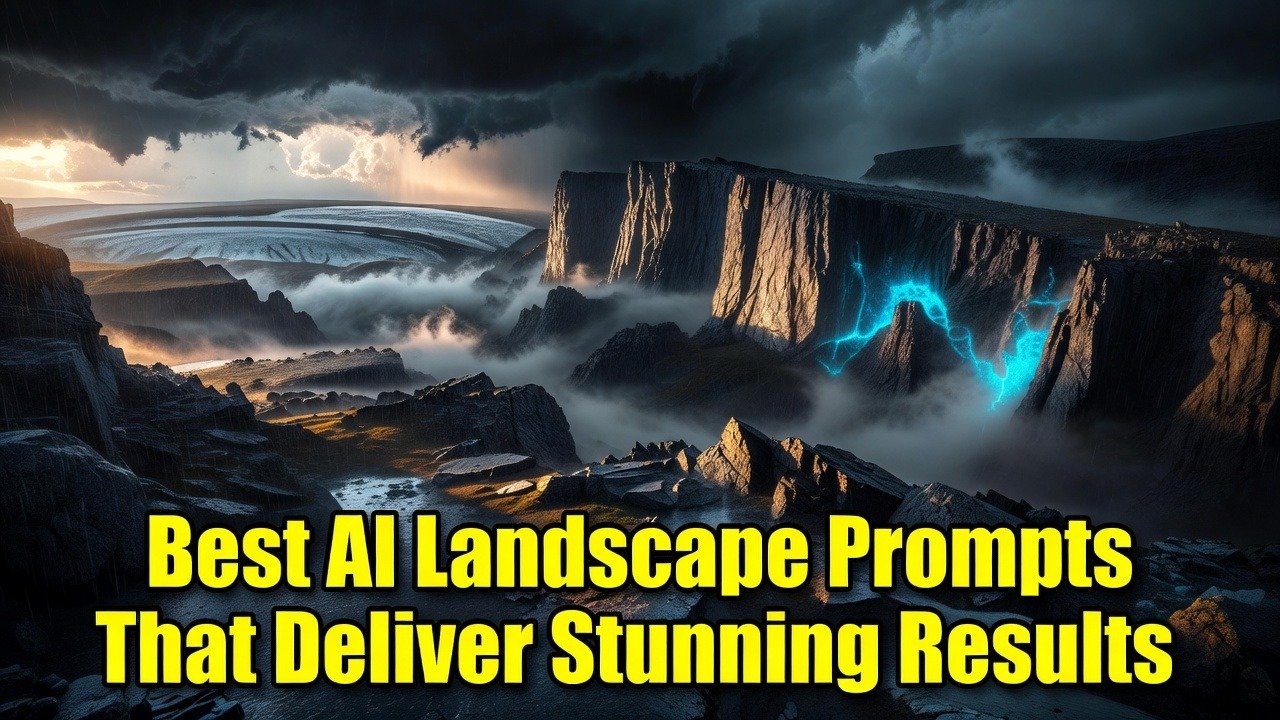
Why Generic Prompts Fail at Creating Realistic Landscapes
You type “beautiful mountain landscape” and get the same washed-out hills every single time. The issue is not your model. It is the complete lack of specific descriptors that force the AI to build actual depth and atmosphere.
Users on r/StableDiffusion constantly post the same complaint. One user wrote they spent weeks adding random words until a comment suggested specifying camera angle, time of day, and moisture in the air. Their next generation finally had real foreground rocks and distant haze.
Another person shared how they kept getting cartoonish results until they added “photorealistic, shot on 35mm, natural lighting” to every prompt. The shift was immediate.
How Lighting and Atmosphere Details Elevate Your AI Art
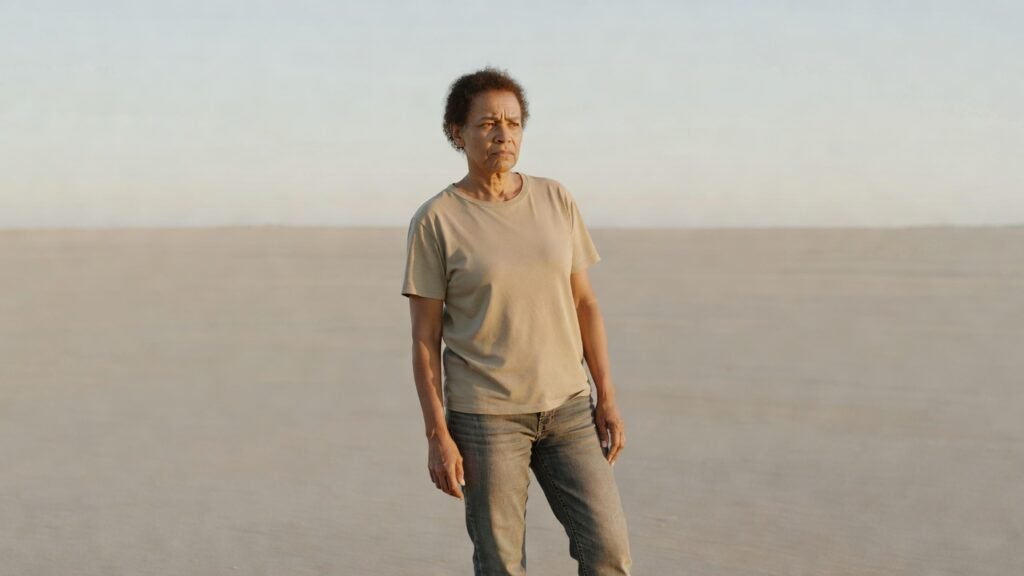
Most people ignore light direction and air quality. That single choice keeps their landscapes looking flat and fake. Adding terms like “volumetric fog, golden hour sidelight, low sun casting long shadows” forces the model to render believable depth.
In r/comfyui threads, a user described struggling with midday flatness until someone suggested “diffuse morning mist, soft rim lighting on peaks.” Their valley suddenly looked three-dimensional.
A different comment noted that “heavy rain atmosphere, wet rock reflections” turned a boring forest into something moody and immersive. The change came from one extra line about weather interaction with surfaces.
The Power of Specific Terrain and Weather Combinations
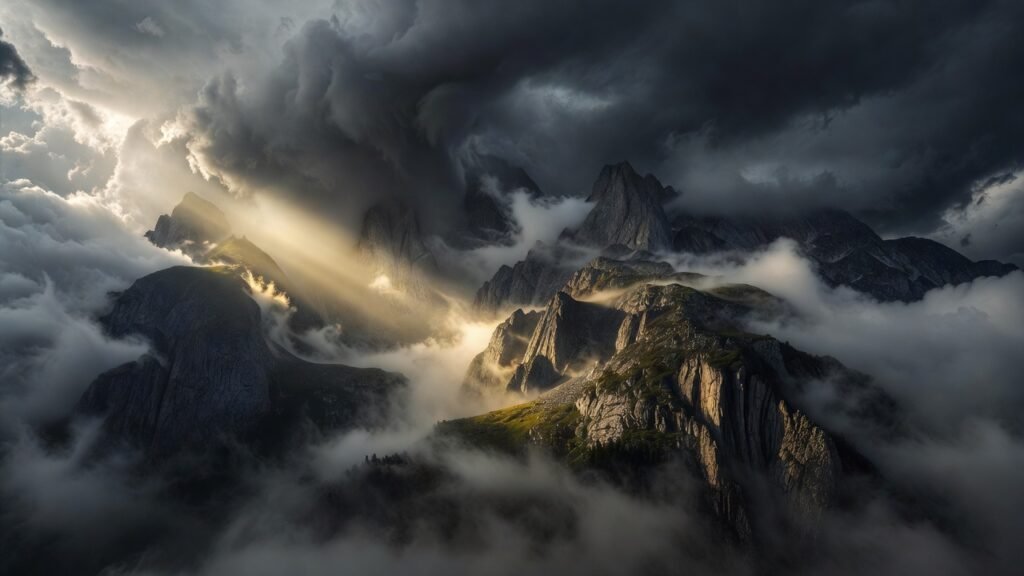
Generic terrain words like “hills” or “mountains” produce predictable results. Real power comes from pairing exact landforms with matching weather. “Jagged granite cliffs during a thunderstorm” or “rolling glacial valleys under low clouds” creates instant believability.
Reddit users in r/aiart shared how mixing “alpine tundra with fresh snow, windblown clouds” gave them results that felt like actual expeditions. One person said they finally stopped getting tropical-looking trees in arctic scenes after adding “coniferous only, cold climate vegetation.”
Another user mentioned testing “coastal cliffs with crashing waves at dusk, salt spray in air” and getting dramatically better water and rock interaction than any previous attempt.
Layering Foreground Elements for Depth and Realism
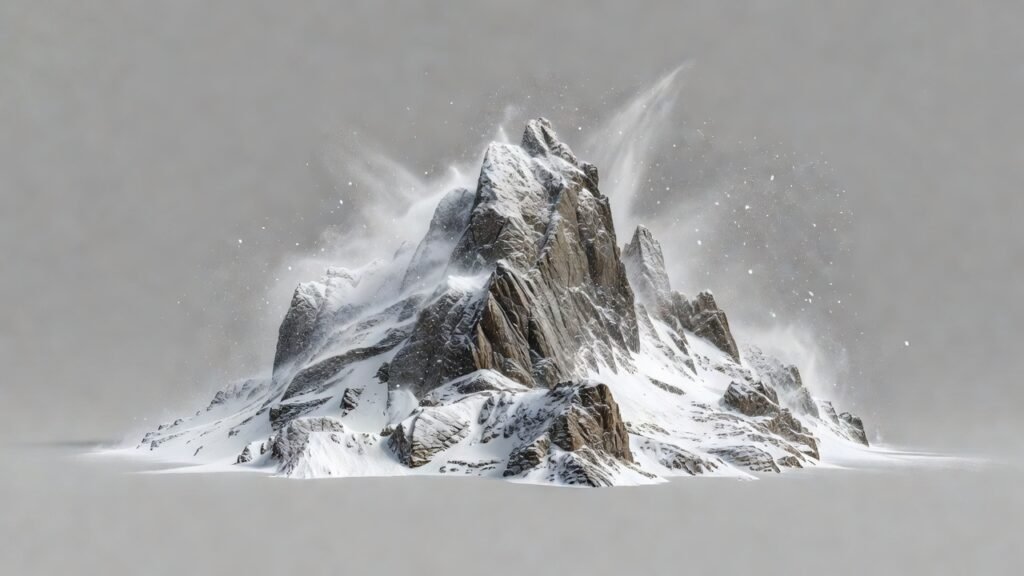
Without clear foreground, middle ground, and background, images collapse into one plane. Adding specific foreground objects like “mossy boulders, tall wild grass, winding dirt path leading into distance” pulls the viewer into the scene.
People on r/Midjourney reported massive improvements after they started forcing foreground details. One comment explained they added “sharp focus on foreground ferns, soft bokeh on distant peaks” and the entire composition suddenly felt like a real photograph.
A different thread showed someone discovering that “scattered pine needles and rocks in immediate foreground” stopped the AI from placing trees at random distances that broke perspective.
Experimenting with Artistic Styles in Landscape Prompts
Sticking to photorealistic only limits your options. Testing painterly, cinematic, or even stylized approaches often produces more emotional landscapes. The trick is matching style descriptors to the mood you want.
Users on r/generativeAI discussed how “in the style of Albert Bierstadt, dramatic lighting” gave their mountains an epic 19th-century feel that pure realism never achieved. Others found “cinematic wide angle, anamorphic lens flare” turned simple scenes into movie stills.
One detailed post explained mixing “ethereal watercolor landscape, soft edges, muted colors” for dreamy results that stood out from typical sharp renders.
Now that you understand how specific details transform results, here are five immediate actions you can take tonight:
- Replace every generic word with two or three precise descriptors about terrain, light, and weather.
- Always include at least one foreground element to create depth layers.
- Test the same base scene in both photorealistic and painterly styles to see which mood wins.
- Add camera and film terms like “shot on 35mm” or “volumetric god rays” for instant realism boosts.
- Iterate by copying winning phrases from your best outputs into new prompts.
The fastest way to master these techniques is by experimenting inside a dedicated AI art workspace built for prompt iteration. Head over to comfyaicloud.com and start generating your own breathtaking landscapes right now with the exact prompts that work.