Anime AI Generation Hacks for Viral Anime Art
Why Standard Prompts Fail at Anime AI Generation
You type in “beautiful anime girl” and get an image that looks… fine. But it also looks like thousands of other AI-generated anime images. Generic face, predictable lighting, simple background, and very little personality.
The problem isn’t necessarily the AI model. In many cases, the prompt simply doesn’t give it enough direction.
Instead of relying on broad descriptions, stronger anime AI generation starts with specific details about the character, environment, lighting, composition, and overall aesthetic.
For example, instead of:
“beautiful anime girl”
try:
“anime portrait of a futuristic street racer, silver bob haircut, reflective jacket, neon Tokyo alley, cinematic rim lighting, expressive detailed eyes, dynamic perspective, highly detailed anime illustration”
The second prompt gives the model much more information to work with—and makes it far easier to create an image that feels intentional rather than generic.
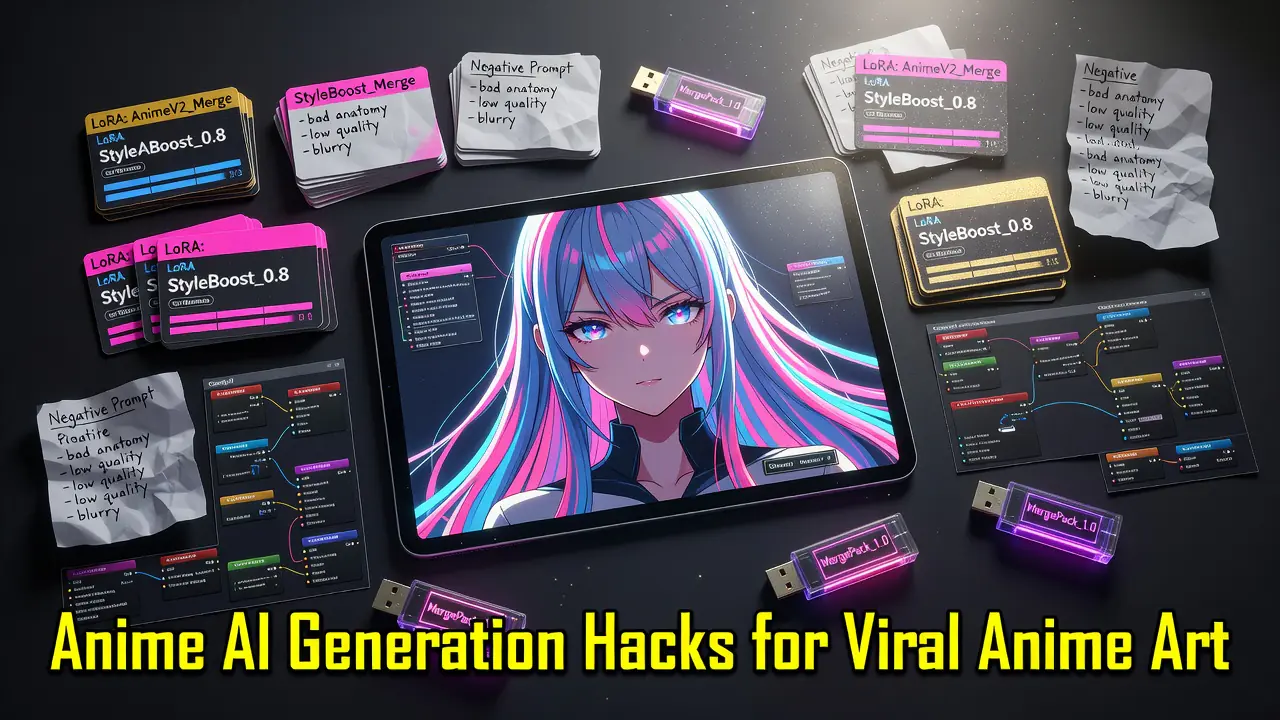
The same principle applies to unwanted details. Adding targeted negative prompts such as “lowres, blurry, bad anatomy, malformed hands, extra fingers, asymmetrical eyes, distorted face” can help reduce common generation problems and produce cleaner results.
The key is simple: don’t just tell the AI what to create. Tell it how you want the final image to look.
The Hidden Power of LoRAs in Anime Creation
Even a detailed prompt can only take you so far. If you want your anime AI generation to follow a more consistent visual direction, LoRAs can give you much more control over the final result.
A LoRA (Low-Rank Adaptation) is a lightweight model that works alongside a base AI model to influence specific visual characteristics. Depending on the LoRA, it can help shape elements such as character design, clothing, facial features, line work, lighting, or the overall aesthetic of an image.
For example, instead of repeatedly adding dozens of style-related terms to your prompt, you can combine a compatible anime model with a LoRA designed for the visual direction you want. This can make it easier to maintain a recognizable look across multiple generations.
LoRAs are especially useful when you’re creating a series of images rather than a single piece. If you’re working on anime characters, social media content, illustrations, or visual storytelling, maintaining a consistent aesthetic can make the entire project feel much more polished.
The important part is experimentation. Try different LoRAs, adjust their strength, and compare the results using the same prompt. Small changes can have a surprisingly large impact on the final image.

How the Right AI Model Can Transform Your Anime Results
A great prompt is only part of the equation. Different AI models interpret characters, lighting, colors, and details in very different ways, which means the model you choose can completely change the final result.
Some models are better at realistic images, while others perform particularly well with illustrations, stylized characters, and anime-inspired visuals. Choosing a model that matches what you’re trying to create can save you from endlessly rewriting the same prompt.
For example, a cyberpunk anime character might require detailed facial features, strong neon lighting, sharp line work, and a cinematic background. A model suited to stylized image generation is more likely to understand those instructions and produce a result closer to what you imagined.
This is also why experimenting with different models can be so useful. Keep the same prompt, change the model, and compare the results. You may be surprised by how dramatically the image changes.
With ComfyAICloud, you can access multiple AI image models from one platform, making it easier to experiment without building complicated local setups.
Mastering Negative Prompts for Cleaner Anime Images
Positive prompts tell the AI what you want to see. Negative prompts help tell it what you don’t want.
This can be especially useful in anime AI generation, where small problems with eyes, hands, facial symmetry, or anatomy can quickly make an otherwise impressive image look strange.
A simple negative prompt could look like this:
lowres, blurry, bad anatomy, malformed hands, extra fingers, distorted face, asymmetrical eyes, duplicate features
You don’t necessarily need an enormous list of negative terms. Start with the most obvious problems in your image and refine the negative prompt based on the results.
For example, if the character looks good but the hands are distorted, focus your negative prompt on hand and anatomy issues rather than changing the entire positive prompt.
The goal isn’t to create the longest prompt possible. It’s to give the model clearer instructions about the result you’re trying to achieve.
Create Anime AI Art Without a Complicated Local Setup
Advanced workflows can give creators enormous control over AI-generated images, but setting everything up locally isn’t for everyone.
Installing interfaces, downloading checkpoints, configuring models, managing hardware requirements, and troubleshooting workflows can quickly turn a creative idea into a technical project.
That’s where ComfyAICloud can make the process easier.
Instead of spending hours configuring a local environment, you can use cloud-based AI tools to start experimenting with image generation directly from your browser.
You can focus on the parts that actually matter:
- Writing better prompts
- Experimenting with different AI models
- Testing different visual directions
- Creating variations of your ideas
- Producing content for social media, projects, or creative experiments
The technical setup shouldn’t be the hardest part of creating something interesting.
Put These Anime AI Generation Tips Into Practice
The best way to improve your results is to experiment with one variable at a time.
- Start with a detailed prompt. Describe the character, clothing, environment, lighting, camera angle, and overall visual direction.
- Try another AI model. Generate the same idea with different models and compare how each one interprets your prompt.
- Use targeted negative prompts. Focus on specific problems such as blurry details, distorted anatomy, malformed hands, or asymmetrical faces.
- Create multiple variations. Don’t judge a prompt from a single generation. Small variations can produce dramatically different results.
- Save the combinations that work. When you find a prompt structure and model combination you like, use it as the starting point for your next creation.
Anime AI generation becomes much easier once you stop relying on generic prompts and start experimenting intentionally.
Ready to Create Your Own Anime AI Art?
You don’t need to spend hours installing models or building complicated local workflows just to experiment with AI-generated anime.
With ComfyAICloud, you can access powerful AI image generation tools directly from your browser and start turning your ideas into images in minutes.
Whether you’re creating anime characters, social media visuals, concept art, or simply experimenting with new ideas, you can start with a prompt and refine your results from there.
Try the ComfyAICloud AI Image Generator and create your first anime image today.