Text to image
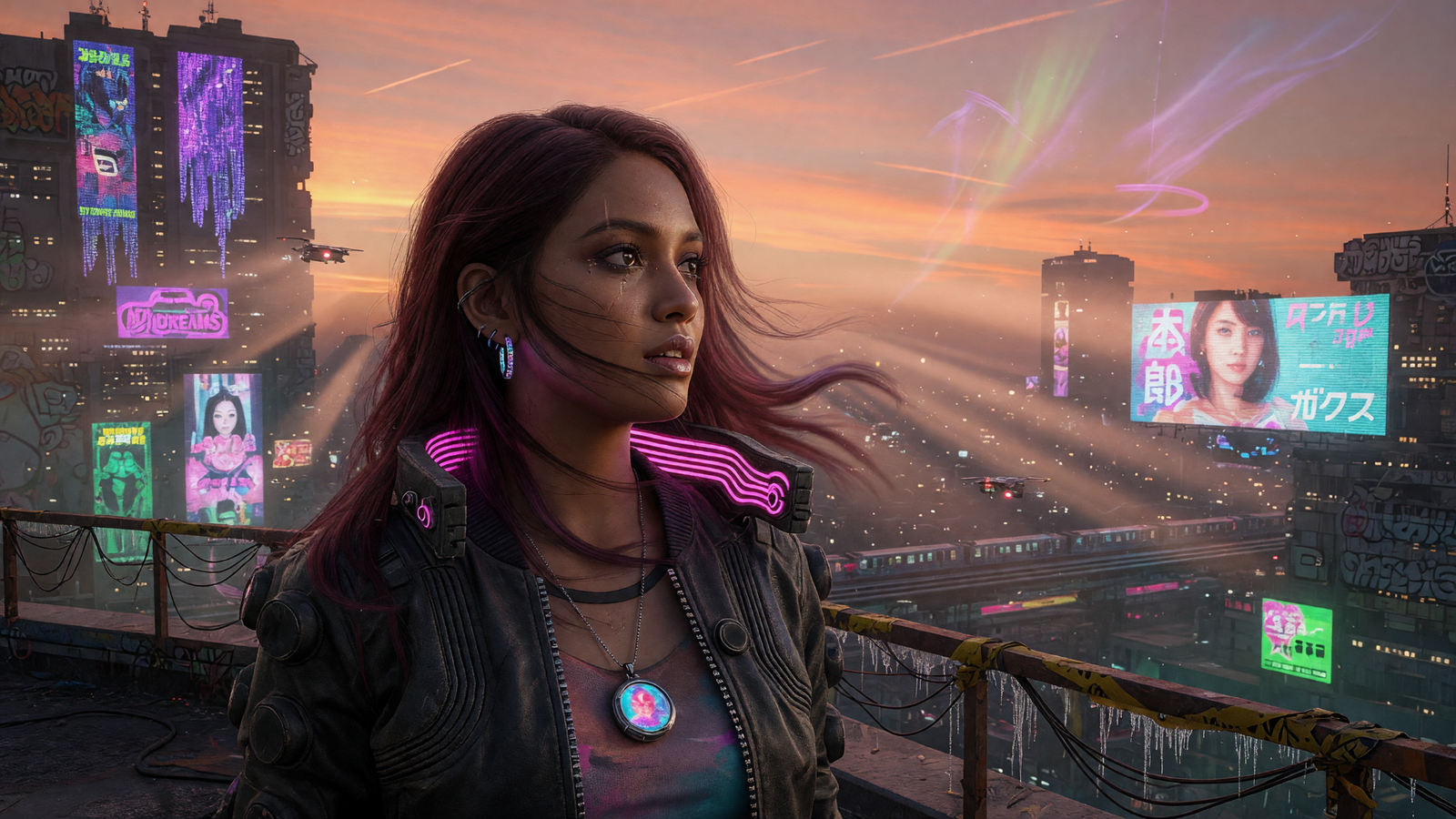
Describe the subject, scene, lighting and style, then generate a completely new image.
Use text-to-image AI to generate original artwork, edit an uploaded reference image, and choose the quality, resolution and aspect ratio that fit your idea.
Core image tools
The Image Generator focuses only on image creation. Social campaign assembly remains a separate tool in Social Media Content.
Describe the subject, scene, lighting and style, then generate a completely new image.
Upload an image and use it as a visual reference for a new variation or edited result.
Switch between Fast and Quality generation, 1K or 2K resolution, and multiple aspect ratios.
Simple workflow
Describe your idea, choose the output settings and let the generator create a visual you can download and use.
Open the generator →Write a prompt with the subject, composition, lighting, mood and style.
Select Fast or Quality mode, set 1K or 2K resolution, and choose the required aspect ratio.
Create the result, use it as a reference for another edit, or download the finished image.
Optional NSFW mode
Inside the Image Generator, adult-capable generation is activated manually with the NSFW switch next to the image settings. When the switch is off, the normal image engine is used. When it is on, the request is routed through the dedicated NSFW generation mode and its displayed credit cost.
The option is intended only for adults aged 18 or older. Content involving minors, age-ambiguous persons, exploitation, non-consensual sexual material or illegal content is prohibited.
Image Generator FAQ
Fast mode is intended for quicker generations and testing prompts. Quality mode is designed for a more polished final result and uses the credit amount shown in the generator.
Yes. Upload an image as a reference, describe the required change, and generate a new version based on that visual input.
The generator provides 1K and 2K resolution controls together with several aspect ratios, including landscape, square and portrait formats.
Open the generator and switch on the NSFW button beside the output settings. The switch is off by default. Its displayed credit cost applies while that mode is active.
The dedicated generation service must be configured by the site administrator. When it is not configured, the NSFW control cannot route the request to that engine.
Ready to create?
Open the AI Image Generator and create your first visual.